


Due to business expansion, the client has acquired a larger factory as its new head office, while keeping the original factory in operation too. The client’s requirements are as follows,
- replace ageing computers;
- ensure all employees can log into any vacant computers to access their work files;
- ensure the security and integrity of all files;
- set up a high-speed NBN Internet connection;
- set up wired local area network (LAN) connections to every computer and printers;
- set up high-speed Wi-Fi network for both the office and factory areas;
- enable all computers in the original factory, and devices for remote work to access all files;
- set up the business telephone system for both internal and external use;
- set up a new clocking machine, and ensure the new head office can access the clocking machine at the original factory;
- set up a security surveillance system covering the whole premise;
- set up an access control system for entries to the office area.

replace ageing computers
As the majority of the client’s computers are used for computer assisted design (CAD) running CPU and memory intensive software, and most of the files are to be stored on the file server rather than locally on each computer, we have chosen to build the new computers on AMD’s latest AM5 platform with 32GB memory to ensure a smooth operation, while utilising the integrated graphic processing unit (GPU), and 1 TB SSD hard drive to reduce the cost. Coupling with high-output power supply units (PSU), the new computers are ready for future upgrade when needed.
After consulting the client, we have chosen to keep the original dual 27-inch monitor set up, adding a few new monitors for extra computers. For the boardroom, we have chosen a 75-inch Google TV for easy screen-sharing with other computers, smart phones, and tablets. A designated computer with a high resolution webcam is also connected to the TV for meetings and web conferences. The computer case is also modified so that the computer can be tucked under the table, while a USB hub with a remote power switch is placed on top of the table for easy operation.
ensure all employees can log into any vacant computers to access their work files
One of the problems that the client faces is that its computers were set up to operate independently. Each employee’s files were stored locally on each designated computer. In the situation when a computer malfunctions, it is very difficult or even impossible to access the files.
Based on the client’s requirement, we have chosen to have the following setup,
- set up a server computer running Windows Server 2022 with the Active Directory service enabled;
- host all company and user files on the server computer;
- give each employee a separate user account;
- assign each user account to different user groups;
- install Windows 11 professional edition on all computers, and have them join the server computer as its clients;
With such a setup, an employee can log into any vacant computer with the given user account, and work on user files and company files straight away.
ensure the security and integrity of all files
In regard to security, the company files and user files are configured to be only accessible within the company’s private network. Anti-malware software is also installed on both the server computer and client computers. Each user account can only access its own user files, and each user group can only access certain company files hosted on the server.
As all files are centralised on the server computer, when a file is opened by one user, the rest of the users can only open the file in read-only mode. Due to the size of all the files (over 1 TB), a complete back up is done at the end of each day, both on-site and off-site. For on-site backup, we have chosen to implement an incremental back up, which gives the client an opportunity to recover the files that are accidentally lost. The on-site backup hard drive is set up to be only accessible when backing up is in progress, reducing the chance of data corruption if system security is breached. The off-site backing up is done by downloading all the files through the client’s virtual private network (VPN) to a designated backup hard drive kept securely at Akitek.

set up a high-speed NBN Internet connection
At the time of setting up the Internet connection, NBN Co has started to roll out the fibre-to-the-premises (FTTP) service in the area of the new factory. The FTTP service, which brings fibre-optic cable straight into the building, is much more reliable than the previously installed fibre-to-the-curb (FTTC) service, which partially utilises copper cables that is prone to weather damage and radio interference. As there is ample time before the client move in, we have chosen to have the FTTP service installed. Throughout the process, we acted on behalf of the client for communicating and coordinating with its Internet Service Provider (ISP) and NBN Co. The gigabit Internet plan (the fastest on offer) is chosen for simultaneous data-intense Internet usage. A dynamic domain name has also been set up for remote access.
set up wired local area network (LAN) connections to every computer and printers
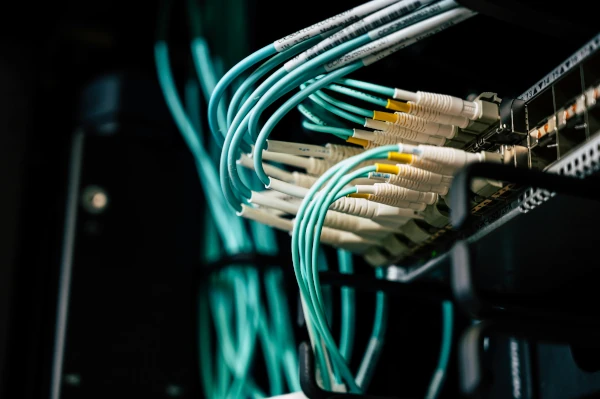
In order to enhance network security, we have chosen to separate the client’s private network into two virtual local area networks (VLANs), one for the computers, and one for the CCTV system. As the office area and factory will be fully renovated, we have taken the opportunity to replace the previously installed ageing network cables with Ethernet cables that can handle a speed up to 10Gbps. Working with the on-site electrician, we had the network cables laid out to various network connection points. Once the renovation is complete, we moved on to have Ethernet wall plates installed, Ethernet cables terminated, and all network connection points marked and tested.
A network router and managed network switches with Power-over-Ethernet (PoE) support are chosen to ensure a fast and controlled communication among all computers.
set up high-speed Wi-Fi network for both the office and factory areas
In order to cover the client’s premise with a stable Wi-Fi connection, we have chosen to install several ceiling-mount Wi-Fi 6 access points to form a mesh network that provides 5 Ghz Wi-Fi network for high speed connections, as well as 2.4 Ghz Wi-Fi network for compatibility with legacy devices. These access points are strategically positioned to make sure there is no Wi-Fi black spot from the office to the factory.
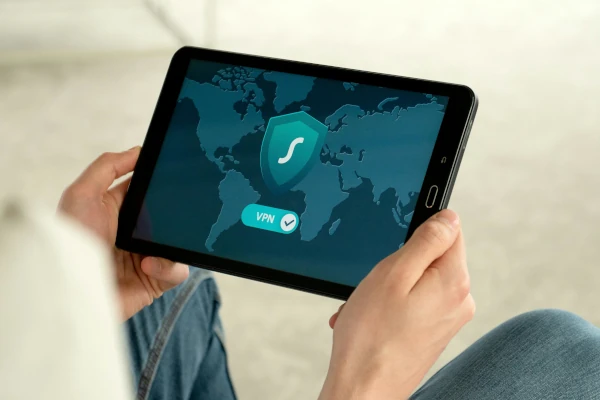
enable all computers in the original factory, and devices for remote work to access all files
There are two options to enable file access from the original factory, cater for working out-of-office, back up data off-site, and provide IT support remotely. We can either have the server computer exposed to the Internet, which introduces security vulnerabilities, or set up a virtual private network (VPN) with controlled access to the company’s private network. For security reasons, we have chosen OpenVPN, a widely used and one of the most secure VPN protocols. All computers in the original factory and devices for remote work have OpenVPN software installed. Employees only need to turn on the VPN connection, and their computers and devices will function no differently to being being physically connected to the company network.
set up the business telephone system for both internal and external use
For the new head office, the client intends to expand its current NEC private branch exchange (PBX) telephone system. Acting on behalf of the client, we consulted its current PBX installer, other PBX vendors, and its telephone service provider. After considering various plans, the client decided to migrate its current system to the new head office with more handsets installed, which saves the cost on replacing the current PBX and future on-going subscription fees. Throughout the process, we coordinated with the client’s telephone service provider to install the new telephone lines, set up a separate LAN to accommodate the VoIP handsets, connected analog handsets using existing network cables, moved the PBX to the new head office, configured the PBX to install extra handsets, and had the telephone number ported to the new premise.
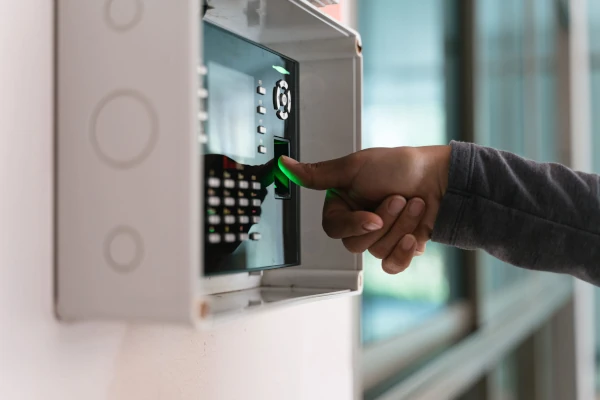
set up a new clocking machine, and ensure the new head office can access the clocking machine at the original factory
In order to track working hours, we helped the client have the new facial-recognition clocking machine installed and configured, employee data ported, facial-recognition data entered, and make the clocking machine in the original factory accessible to the computers in the new head office over the Internet.
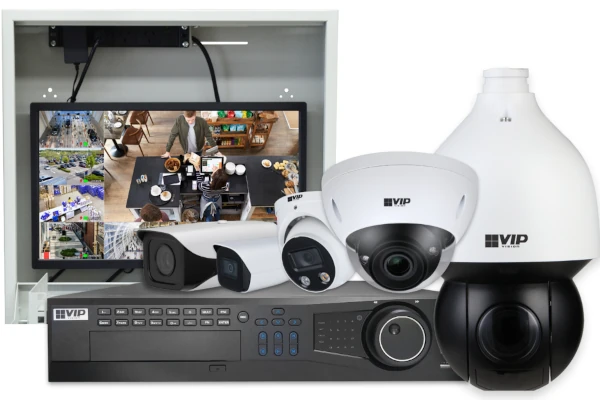
set up a security surveillance system covering the whole premise
The new premise was originally equipped with a few relatively new security cameras. After consulting the client, we have decided to keep the existing security cameras and add more cameras to have the office, factory, and part of street in front of the premise fully covered. A new VIP Vision® network video recorder (NVR) (supporting up to 32 cameras) is purchased to accommodate the large number of cameras required. Several hard drives with a large capacity are installed to ensure the high-resolution video footage can be stored for up to 40 days before being erased. With the new system in operation, the client is able to view the live footage and video recordings, take snapshot photos, and save video clips on smart phones.
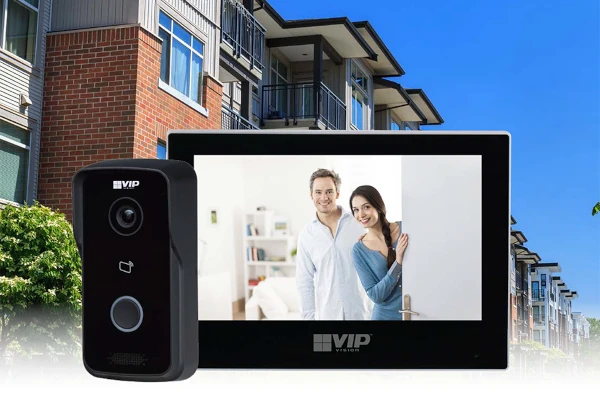
set up an access control system for entries to the office area
The new premise was originally equipped with a VoIP intercom box at the office entrance. Since the existing intercom box is not compatible with the client’s PBX, we have decided to utilise the existing electric door strike with a new VIP Vision® intercom system. With the new system, the receptionist can see and talk to the visitor via the door station, and release the door lock. The new system also works with near field communication (NFC) cards. Each employee is given a unique key card to tap on the door station for entry, and each entry is also logged into the system’s database for review. The client can also unlock the door remotely using smart phones connected to the system.